Competitors
12
🚀
Discover 50+ More Competitors
This is just the tip of the iceberg. Unlock comprehensive insights into your competitive landscape.
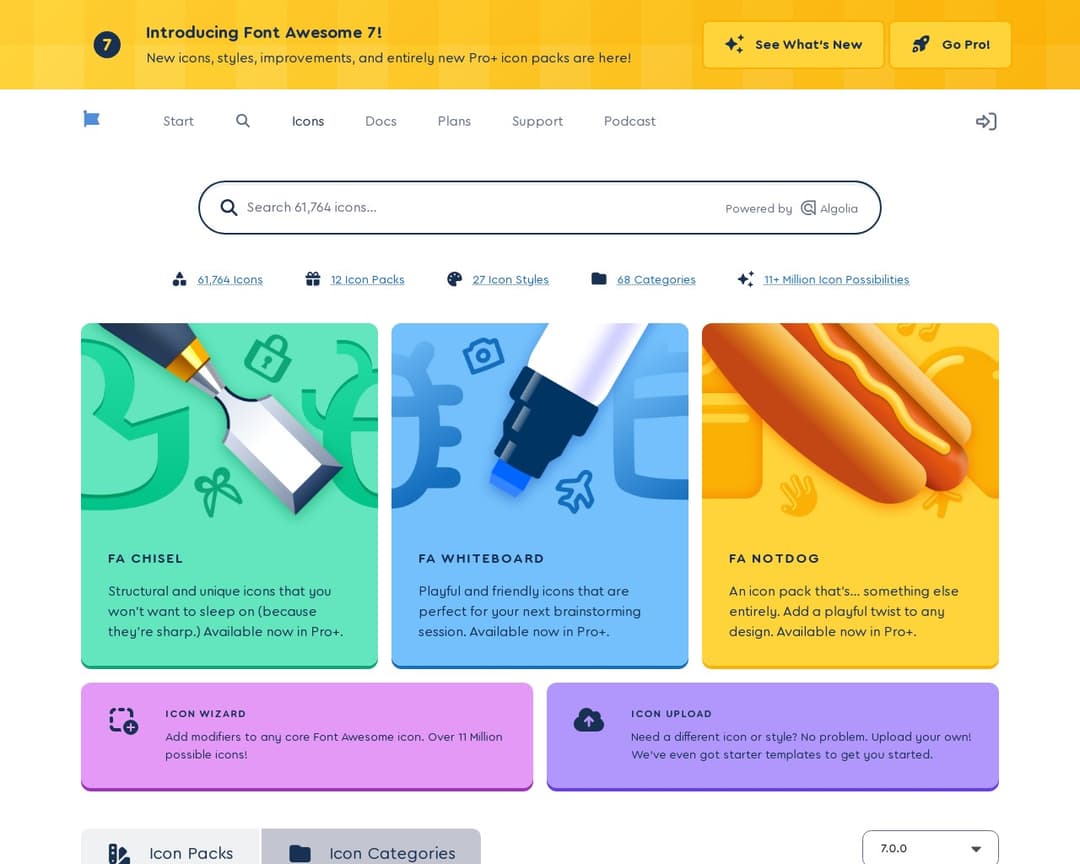
Unlock Full ReportFont Awesome is a widely used icon library and toolkit for designers and developers. It provides a vast collection of vector icons in various styles and formats, along with tools for integrating them into web projects and desktop applications. Users can also upload their own custom SVG icons and manage them through kits.
2 of 5
Centralized Asset Storage
Asset Organization & Search
Brand Guideline Editor
Shareable Brand Guide URL
Version Control & Updates
2 of 13
Logo Variant Upload
Typography Settings
Color Palette Definition
Customizable Sections
Preview Mode
Google & Custom Fonts
Real-time Collaboration
Asset Generation Tools
Browser Extension Access
AI Consistency Checker
Automated Notifications
Whitelabel Agency Mode
Integration with Design & Dev Workflows
Font Awesome is primarily an icon library and toolkit, which allows users to store and organize icons (a form of digital asset). It offers various icon styles and the ability to upload custom icons, which aligns with logo variant upload and typography settings (as icons are a visual element related to typography in web design). While it has a form of asset storage and organization, it's not a comprehensive brand guideline platform as described in the concept. It lacks explicit features for creating and sharing full brand guidelines with color palettes, text blocks, and real-time collaboration for brand guide editing.
I've been using Alternative A for 6 months now and it's been fantastic. The pricing is much better and the features are actually more robust than what [Product] offers.
It handles edge cases much better and the API is actually documented properly.
Check it out at our site.
Honestly, after trying both, Competitor B wins hands down. Better customer support, cleaner interface, and they don't nickel and dime you for every feature.