Competitors
12
🚀
Discover 50+ More Competitors
This is just the tip of the iceberg. Unlock comprehensive insights into your competitive landscape.
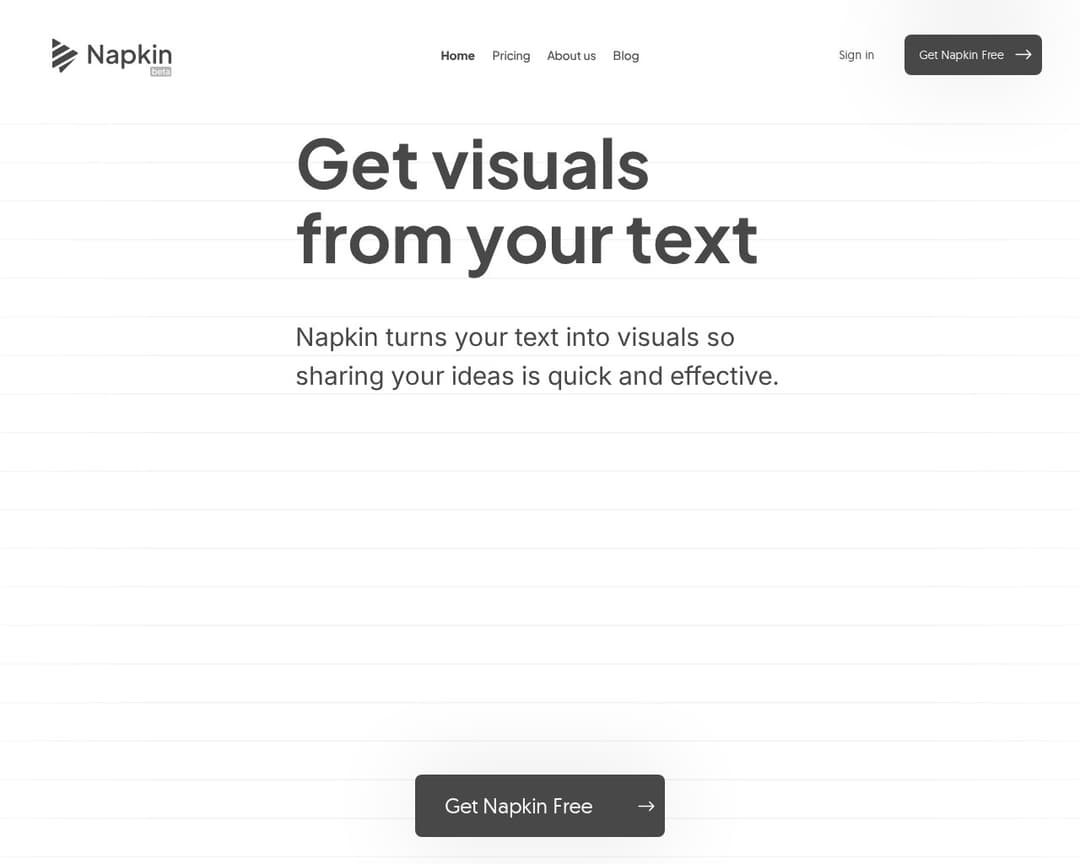
Unlock Full ReportNapkin AI is a visual AI tool that transforms text into various insightful visuals such as infographics, diagrams, and charts. It aims to make communication more effective by providing an intuitive platform where users can import text and generate editable visuals without needing to write prompts. The platform supports customization, team collaboration, and export to multiple file formats.
3 of 5
Guided Tool Interface
Creative Presets & Styles
User Authentication & Subscriptions
Multi-Model Integration
Tool Catalog & Categories
5 of 10
Export & Integrations
Custom Prompt Templates
Collaboration & Sharing
Multi-Language Support
In-App Resources & Tutorials
Search & Filter
Favorites & History
Usage Analytics
Mobile Responsive Design
API Access & Developer Portal
Napkin AI aligns well with the concept of an AI-powered content creation tool, specifically for visual content. It features a 'no-prompting' approach where users input text and the AI generates visuals, which is a form of 'guided tool interface'. It offers 'built-in styles and fonts' and the ability to 'create custom styles' which matches 'creative presets & styles'. The pricing page clearly indicates 'user authentication & subscriptions' with free, Plus, and Pro tiers. The platform allows 'export and integrations' to various formats like PPT, PNG, PDF, and SVG. While not explicitly a 'tool catalog', it focuses on generating various visual types (infographics, diagrams, mind maps, flowcharts, data charts). It supports 'multi-language support' for content generation in 60+ languages. The 'Help Center' and 'How it works' sections serve as 'in-app resources & tutorials'. The 'Teamspace' and 'Real-time Editing' features directly support 'collaboration and sharing'. The ability to 'create custom styles using your brand colors, fonts, etc. inside Napkin using our style builder' aligns with 'custom-prompt-templates' in the context of visual styles.
I've been using Alternative A for 6 months now and it's been fantastic. The pricing is much better and the features are actually more robust than what [Product] offers.
It handles edge cases much better and the API is actually documented properly.
Check it out at our site.
Honestly, after trying both, Competitor B wins hands down. Better customer support, cleaner interface, and they don't nickel and dime you for every feature.