Competitors
12
🚀
Discover 50+ More Competitors
This is just the tip of the iceberg. Unlock comprehensive insights into your competitive landscape.
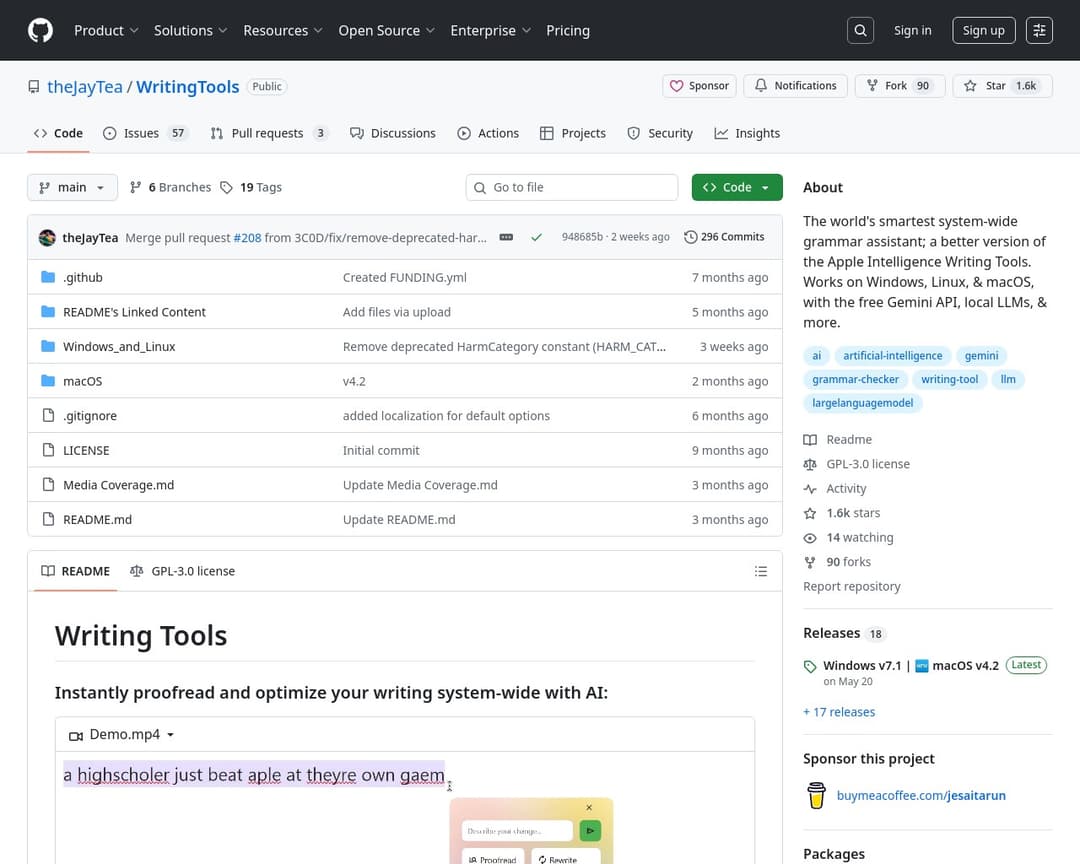
Unlock Full ReporttheJayTea/WritingTools is an open-source, system-wide AI grammar assistant and writing tool available for Windows, Linux, and macOS. It allows users to proofread, rewrite, summarize content, and apply custom instructions to text using various AI models, including local and cloud-based LLMs. The tool aims to be a more intelligent and versatile alternative to built-in writing tools and services like Grammarly.
3 of 5
Guided Tool Interface
Multi-Model Integration
User Authentication & Subscriptions
Creative Presets & Styles
Tool Catalog & Categories
2 of 10
Search & Filter
Multi-Language Support
Favorites & History
Export & Integrations
Custom Prompt Templates
Collaboration & Sharing
Usage Analytics
Mobile Responsive Design
In-App Resources & Tutorials
API Access & Developer Portal
The candidate, 'theJayTea/WritingTools', is a system-wide grammar assistant that offers various AI-powered writing tools. It aligns with the 'Guided Tool Interface' by providing specific functions like 'Proofread', 'Rewrite', 'Summarize', and 'Custom Instructions' that users select and apply to text. It supports 'Multi-Model Integration' by allowing users to choose between Gemini API, local LLMs (Ollama, llama.cpp, etc.), and cloud-based LLMs (ChatGPT, Mistral AI) through OpenAI-API compatibility. While it doesn't explicitly have a 'Tool Catalog & Categories' in the same structured way as the concept, it does present distinct tools. The GitHub platform itself provides 'User Authentication & Subscriptions' for its services, and the project is open-source and free, which aligns with the concept's free tier. The 'Search & Filter' feature is present on the GitHub platform for finding repositories and issues, though not specifically for tools within WritingTools. It also supports 'Multi-Language Support' as it 'works in ~any language' and can translate text. The 'Creative Presets & Styles' feature is not explicitly detailed beyond tone adjustments like 'Friendly' or 'Professional'.
I've been using Alternative A for 6 months now and it's been fantastic. The pricing is much better and the features are actually more robust than what [Product] offers.
It handles edge cases much better and the API is actually documented properly.
Check it out at our site.
Honestly, after trying both, Competitor B wins hands down. Better customer support, cleaner interface, and they don't nickel and dime you for every feature.