Competitors
12
🚀
Discover 50+ More Competitors
This is just the tip of the iceberg. Unlock comprehensive insights into your competitive landscape.
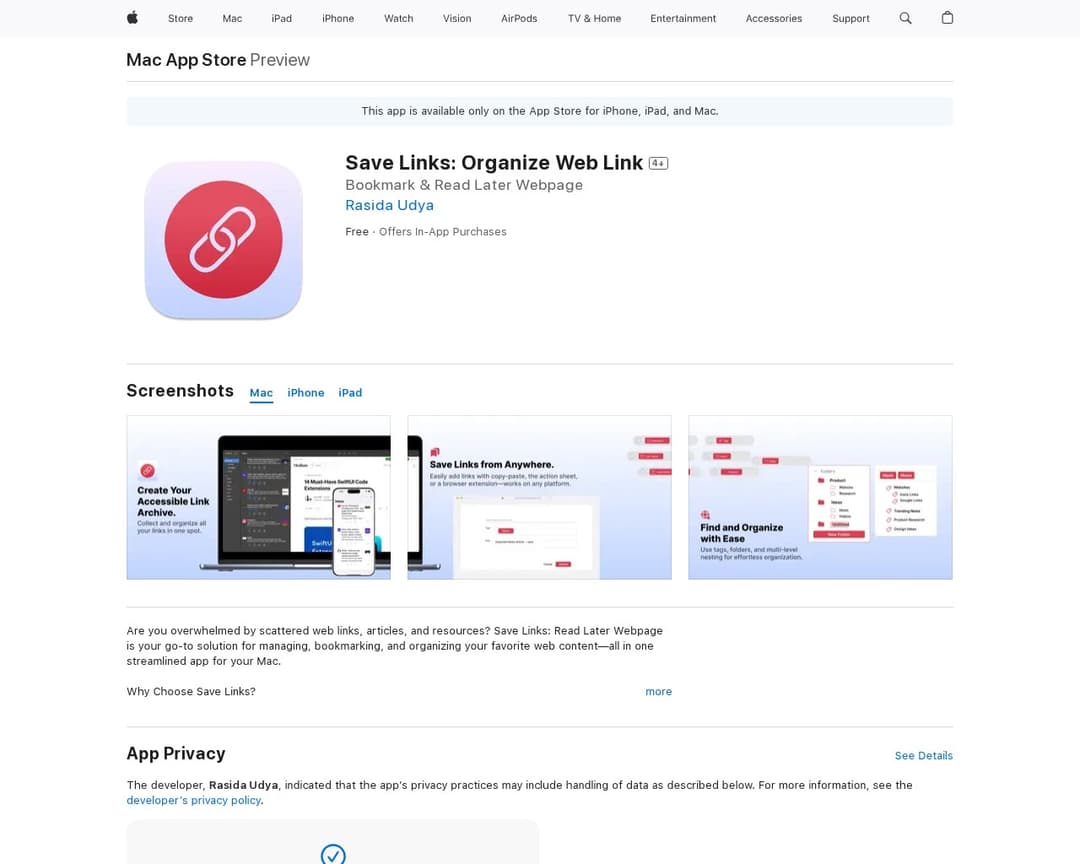
Unlock Full ReportSave Links: Organize Web Link is a mobile and desktop application that allows users to save, bookmark, and organize web pages and links into custom folders. It offers quick bookmarking, smart organization, offline reading, and seamless syncing across devices. Users can also share saved links with others.
4 of 5
URL Saving & Preview
List & Section Organization
Public Sharing
Instant Link Adding
Contextual Side Notes
1 of 7
Mobile Responsive Design
Minimalist Interface
Profile Gateway
Media Type Support
Sign-In & Authentication
Granular Sharing Permissions
Embed Support
The candidate, 'Save Links: Organize Web Link', is an iOS and macOS app designed for bookmarking and organizing web content. It explicitly states features like 'Quick Bookmarking: Save web pages, articles, and links instantly with just a click' (url-saving-and-preview, instant-link-adding) and 'Smart Organization: Categorize your bookmarks into custom folders' (list-and-section-organization). It also mentions 'One-Click Sharing: Share saved links with friends or colleagues directly from the app' (public-sharing). The app is available on iPhone, iPad, and Mac, indicating mobile-responsive-design. However, there is no explicit mention of 'Contextual Side Notes' or 'Tufte-style side notes', which is a must-have feature for URList. While it supports saving various media types, it doesn't specifically highlight 'instant inline previews' for all types as described in the URList concept. The organization is into 'custom folders' and 'tags' rather than 'sections' as defined by URList, but the core functionality of grouping links is present.
I've been using Alternative A for 6 months now and it's been fantastic. The pricing is much better and the features are actually more robust than what [Product] offers.
It handles edge cases much better and the API is actually documented properly.
Check it out at our site.
Honestly, after trying both, Competitor B wins hands down. Better customer support, cleaner interface, and they don't nickel and dime you for every feature.