Competitors
12
🚀
Discover 50+ More Competitors
This is just the tip of the iceberg. Unlock comprehensive insights into your competitive landscape.
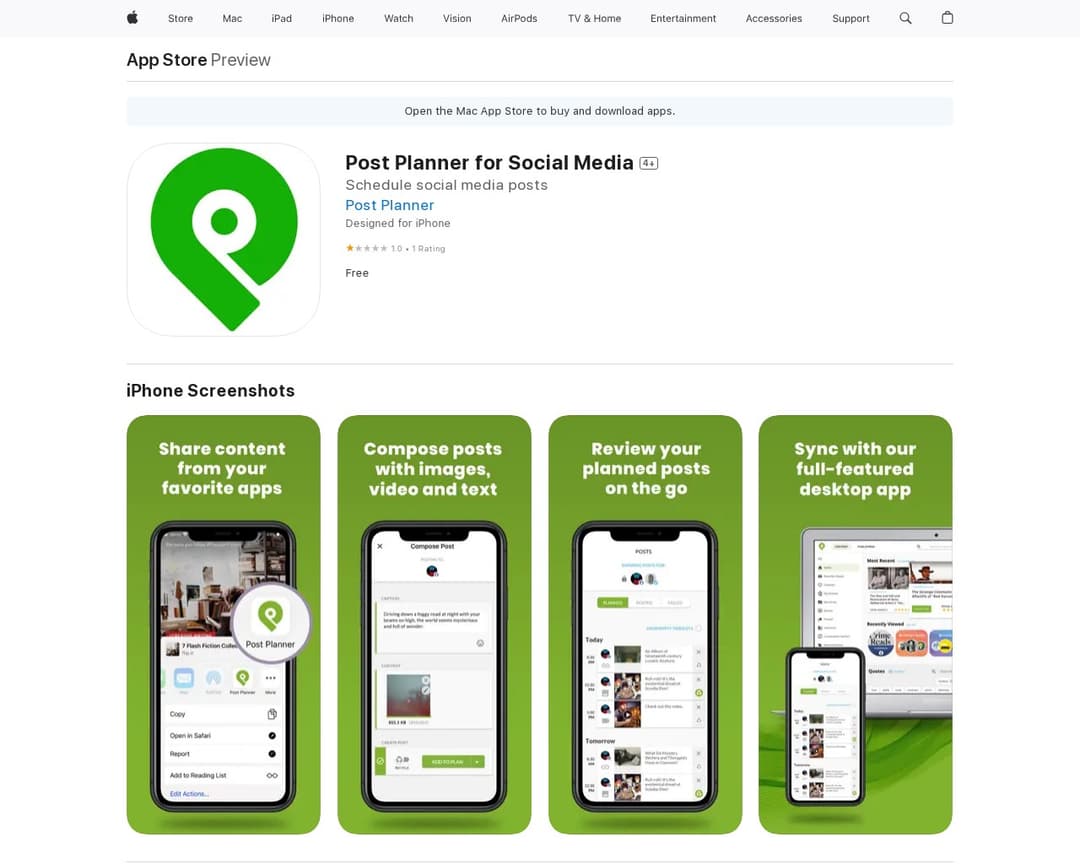
Unlock Full ReportPost Planner for Social Media is a social media scheduling application that allows users to create, schedule, and manage posts across various platforms like Instagram, Facebook, TikTok, and LinkedIn. It provides tools for content creation, multi-account management, and is accessible via a mobile app. The service aims to help users save time and increase engagement on their social media channels.
5 of 5
Multi-Platform Scheduling
Queue and Calendar View
Multi-Account Management
Content Creation Tools
Mobile App Access
7 of 15
Platforms Supported
Image Editing Tools
Past Media Gallery
Subscription Tiers
In-App Purchases & Ads Management
Email Support
Feature Request & Feedback Portal
Drafts Management
Post Text Suggestions
Auto Media Processing
Stock Photo Integration
GIF Search (Giphy)
Post History
Schedule Range Configuration
Two-Factor Authentication
Post Planner for Social Media is a strong match for SmartPost Scheduler. It explicitly offers multi-platform scheduling across a wide range of social networks, including Instagram, Facebook, YouTube, LinkedIn, Google Business, Pinterest, TikTok, X, Threads, and Bluesky. The website mentions 'Schedule amazing posts' and 'Automate your social publishing schedule', indicating core scheduling functionality. It also highlights 'Connect Manage all your social accounts in one place' and 'Mobile Create and manage posts on your phone', directly aligning with multi-account management and mobile app access. The 'Design images with stock media editing tools' feature confirms content creation tools, specifically image editing. The presence of a 'Help Center' and 'App Support' suggests email support and potentially a feature request portal. The pricing section and 'Free' option indicate subscription tiers and in-app purchases. While 'Queue and Calendar View' isn't explicitly stated on the app store page, the main website's 're-order posts by dragging' and 'set up a schedule' strongly imply a calendar or queue-like interface. The 'Past Media Gallery' is inferred from 'Access a rolling gallery of previously uploaded media for quick reuse' on the main website.
I've been using Alternative A for 6 months now and it's been fantastic. The pricing is much better and the features are actually more robust than what [Product] offers.
It handles edge cases much better and the API is actually documented properly.
Check it out at our site.
Honestly, after trying both, Competitor B wins hands down. Better customer support, cleaner interface, and they don't nickel and dime you for every feature.