Powered byalready.dev
Analyze your competitorsCompetitors
QuickForm
quickform.pro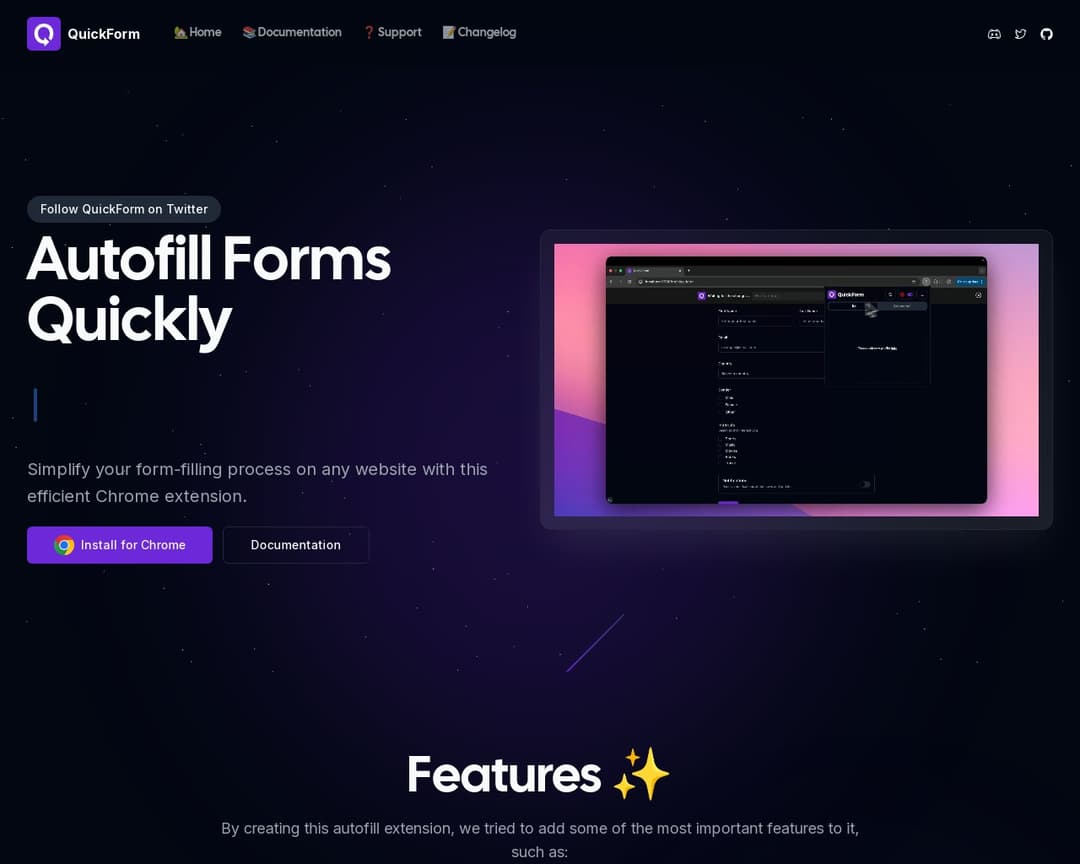
QuickForm is a Chrome extension designed to simplify and speed up online form filling. It allows users to create and manage profiles for different forms, record inputs, and automate the filling process with features like auto-click and custom delays. It is primarily aimed at QA testers, developers, and anyone who repeatedly fills out similar forms.
Rationale
QuickForm is a Chrome extension focused on automating form filling. While it doesn't explicitly state 'workflow observation' or 'pattern analysis' in the same broad sense as the concept, its 'Record Mode' and ability to 'autofill the same form structure with just one click' implies a form of pattern recognition and task automation. It allows users to record inputs (macro-recording) and automates clicks and delays (task automation). It also emphasizes privacy and a non-intrusive UI. However, it lacks the broader AI-driven analysis and actionable suggestions for general desktop workflows that 'Second Cursor' aims for.
How your capabilities compare with this competitor
See gridNo capabilities defined yet.