Powered byalready.dev
Analyze your competitorsCompetitors
Keyboard Maestro
keyboardmaestro.com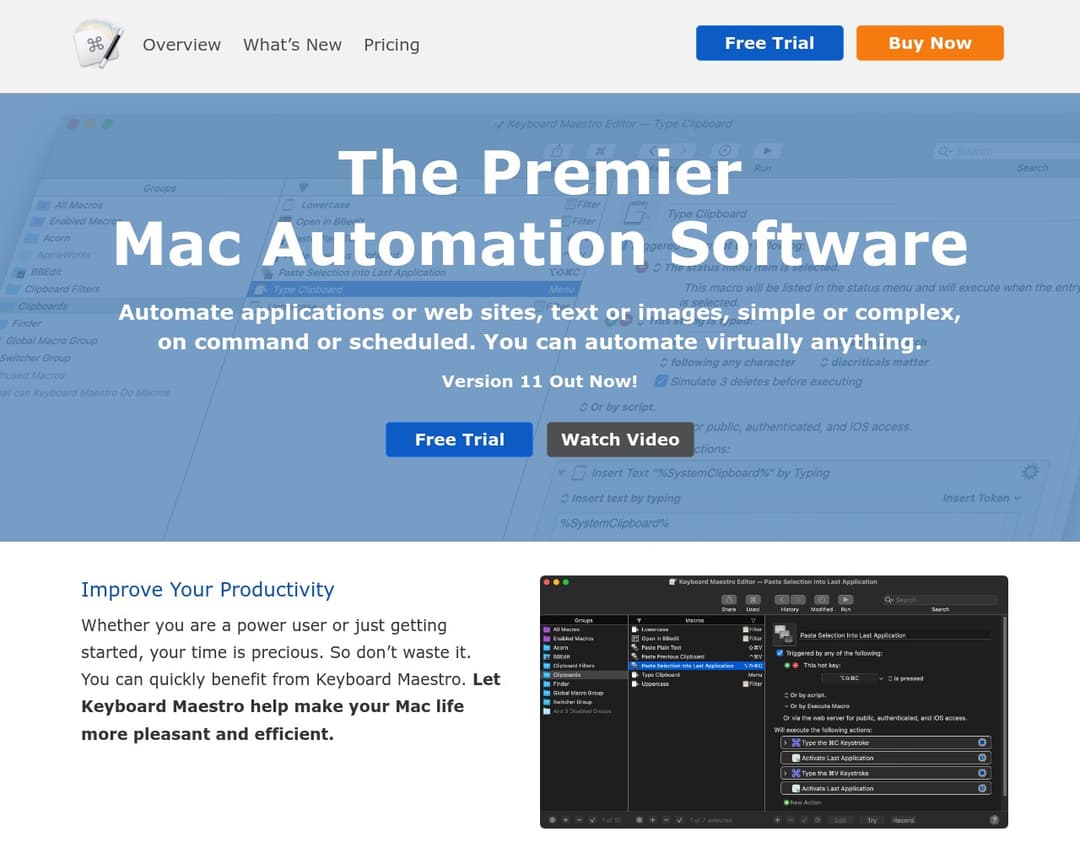
Keyboard Maestro is a powerful macOS automation software that enables users to create custom macros to automate a wide range of tasks across applications and websites. It allows for the creation of complex workflows, text manipulation, and system control, aiming to enhance user productivity and efficiency on their Mac.
Rationale
Keyboard Maestro is a macOS automation tool that allows users to create and execute macros to automate various tasks. It explicitly mentions macro recording and automation of clicks, form fills, and multi-step processes. While it doesn't explicitly state 'workflow observation' or 'pattern analysis' in the AI-driven sense, its core functionality of automating repetitive tasks implies a user-driven observation and analysis process. It also offers contextual help and a non-intrusive UI through its palettes and triggers. It lacks the AI-driven analysis and suggestion features of Second Cursor.
How your capabilities compare with this competitor
See gridNo capabilities defined yet.