Powered byalready.dev
Analyze your competitorsCompetitors
Cloud File Manager
play.google.com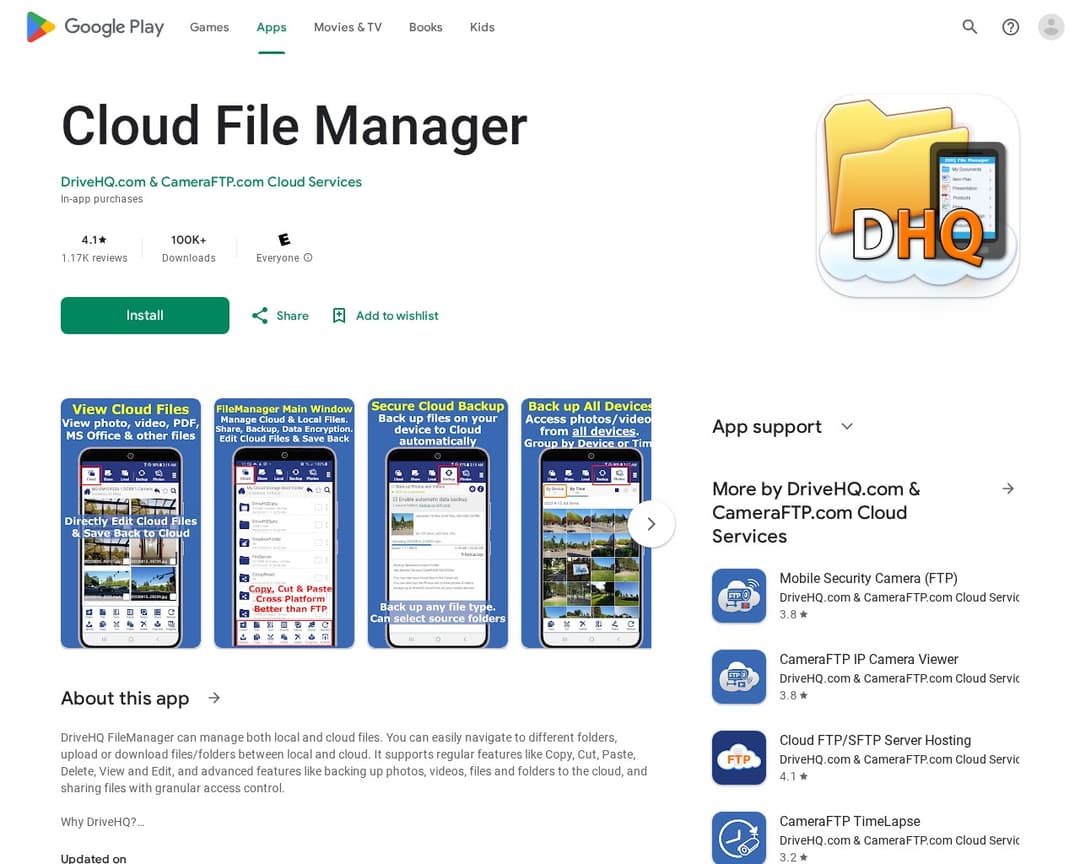
Cloud File Manager is a mobile application that allows users to manage both local and cloud files. It provides features such as uploading, downloading, copying, cutting, pasting, deleting, viewing, and editing files. The service also offers advanced features like photo/video backup, granular file sharing, cloud file locking, and client-side encryption for enhanced security and privacy.
Rationale
Cloud File Manager offers core file management functionalities across local and cloud storage, including editing and sharing. It emphasizes security and privacy with client-side encryption. While it supports cloud integration and local file access, it lacks explicit mentions of AI-powered conversational interfaces, automated sorting rules based on AI, or semantic search capabilities, which are key 'must-have' features for Dynbox. The 'manual approval workflow' is inferred from the ability to directly edit and save files, implying user control over changes. The 'privacy controls' are explicitly mentioned through client-side encryption. The 'file editing and renaming' feature is directly stated. The 'cloud storage integration' and 'local file access' are also clearly stated. However, the absence of AI-driven features significantly reduces its alignment with the Dynbox concept.
How your capabilities compare with this competitor
See gridNo capabilities defined yet.